
How it works

Roof visualizer without an app: use it in your browser

You do not need an app to see a new roof on your house. RoofRender runs in the browser on any phone, tablet or computer, which means nothing to install, nothing to update and nothing taking up space. Open the page, upload a photo, done.

Before
After
Before
After

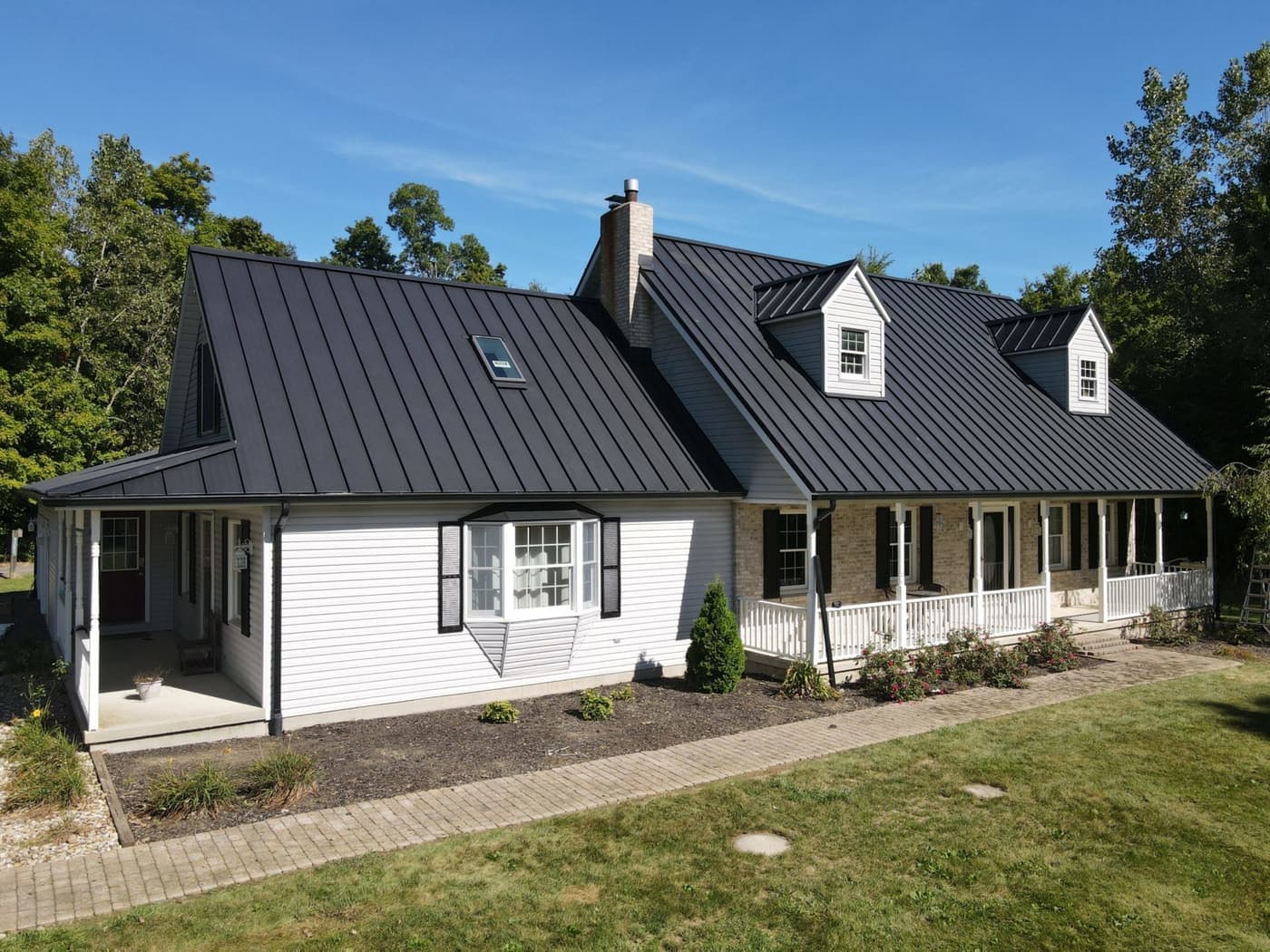
Black standing seam to clay tile. White house, terracotta. Drag the handle.

Why browser instead of app

Most people use a roof visualizer once or twice while choosing a roof. Installing an app for that is a lot of friction for a few minutes of use, and app-store visualizers tend to be locked to one manufacturer's catalogue. A browser tool works on the phone in your hand right now and covers every material.

On a phone

Open the page in Safari or Chrome, tap the upload box, and choose a photo from your camera roll or take one on the spot. The render appears on the same screen with a slider so you can compare before and after. Save the picture to your photos or send the link to someone from the same screen.

On a laptop

Same page, bigger screen. Drag a photo in from a folder or from a listing. This is the better way to compare several colours side by side.

For roofers

The lack of an app matters most on a sales call. You can hand your phone to the homeowner or send them a link, and they see their house with the new roof without installing anything. Roofers get a dashboard, history and a link for every render.

Real before and after

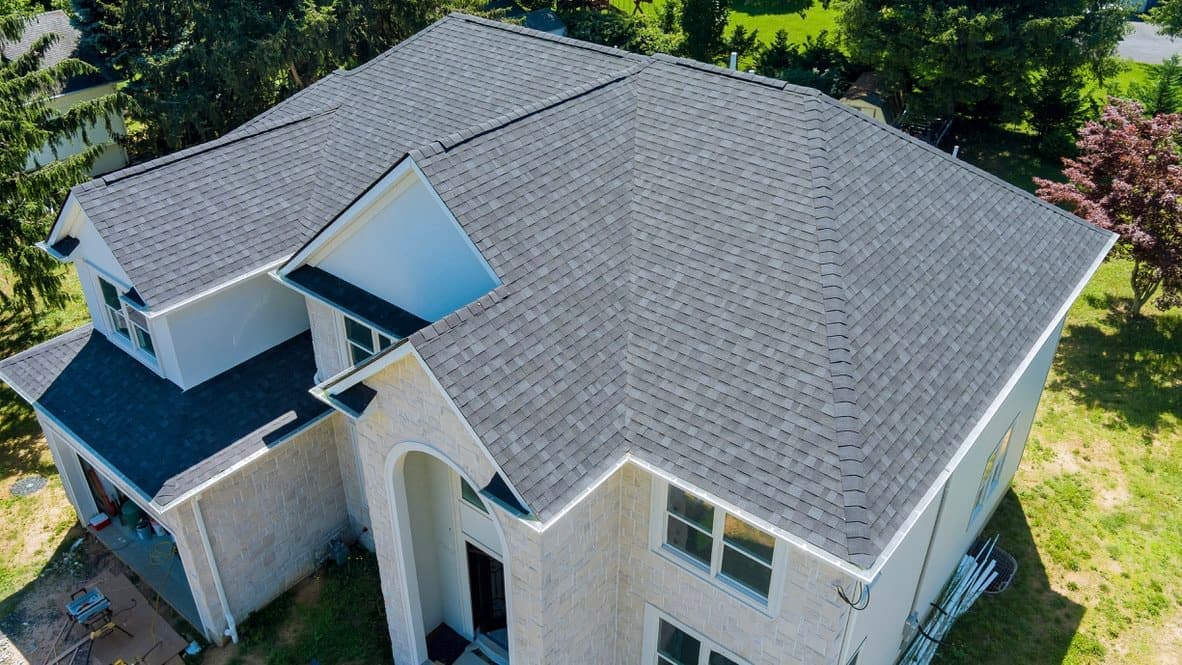
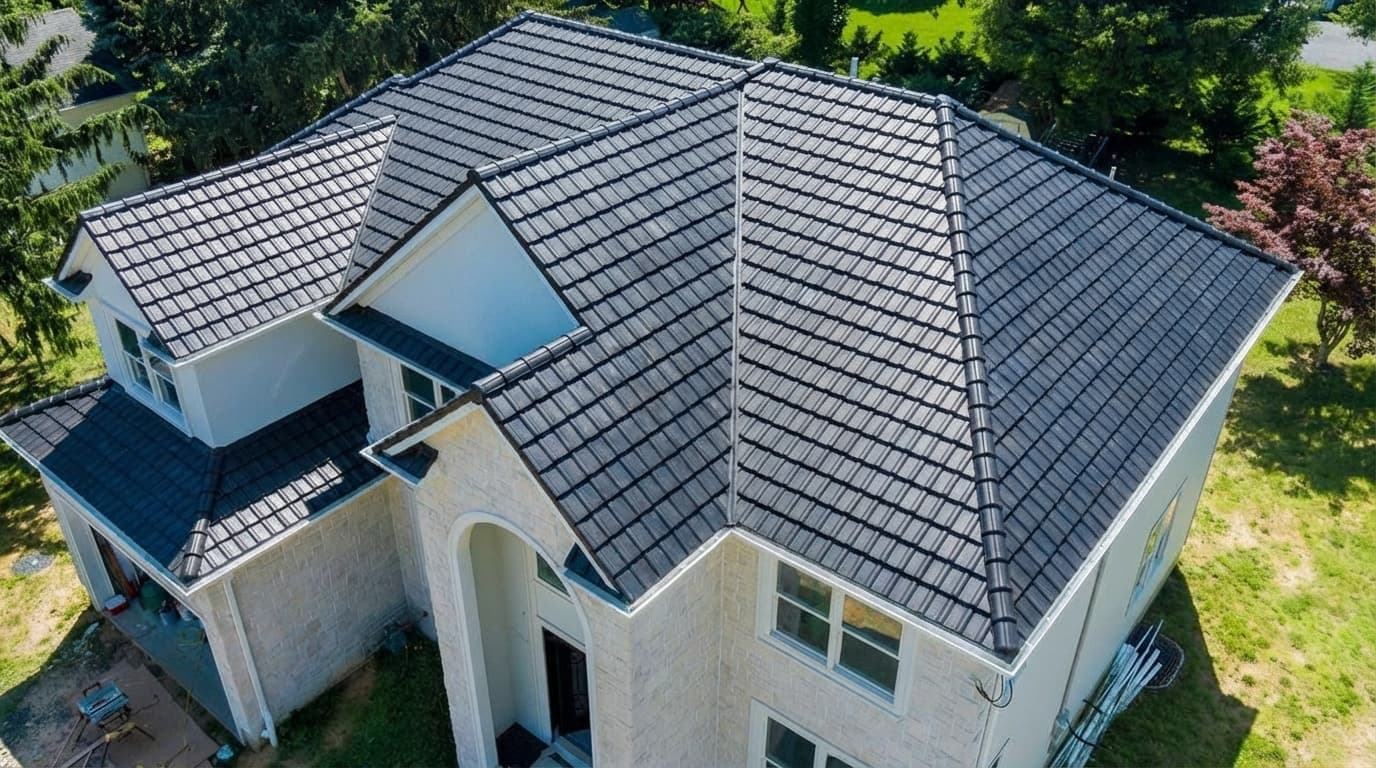
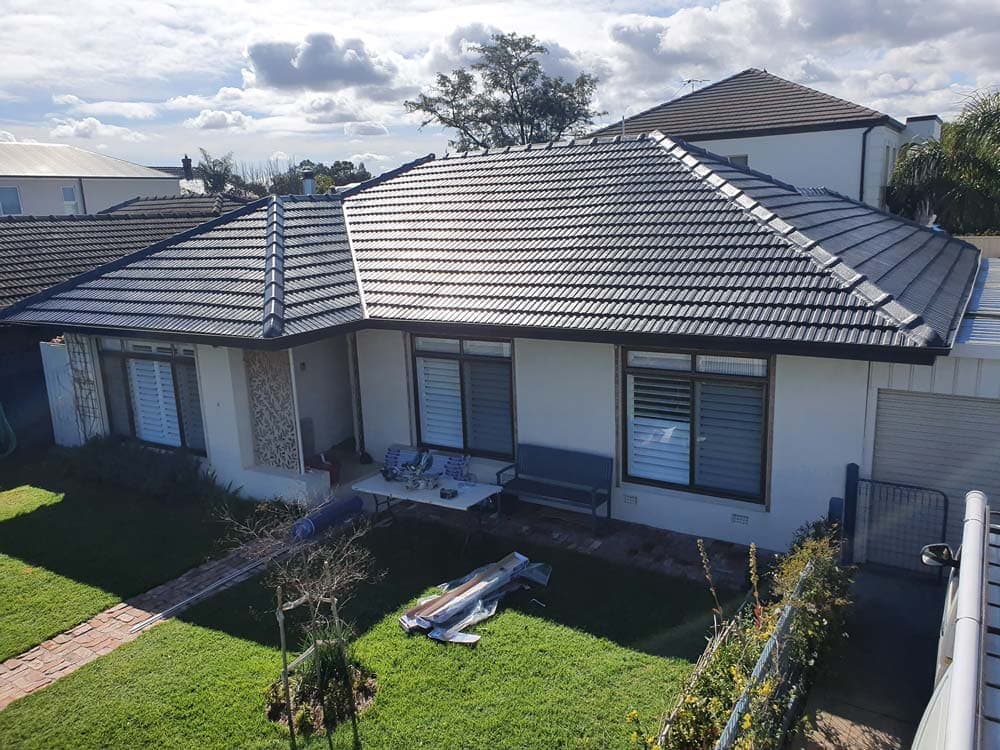
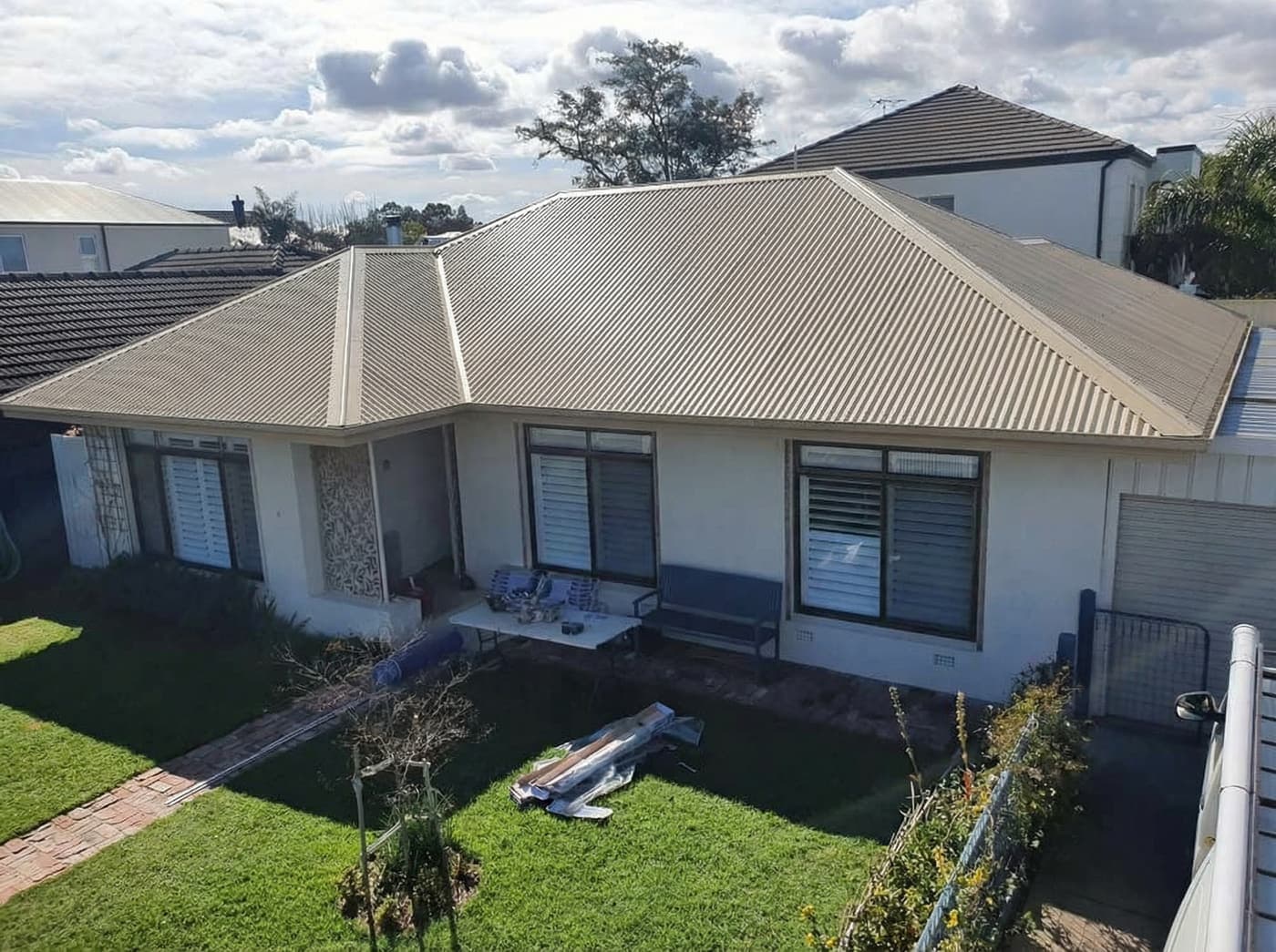
Each pair is one photo, rendered. The house, the light and the surroundings are untouched. Only the roof changes.

Before: Black standing seam to clay tileBefore
After: Black standing seam to clay tileAfter

Black standing seam to clay tile

White house, terracotta

Before: Grey tile, two shadesBefore
After: Grey tile, two shadesAfter

Grey tile, two shades

White brick, aerial

Before: Concrete tile to corrugated metalBefore
After: Concrete tile to corrugated metalAfter

Concrete tile to corrugated metal

Brick ranch, beige

Questions

Is there a RoofRender app?
No app is needed. RoofRender runs in the browser on any phone or computer. You can add it to your home screen from the browser if you want an icon.
Does it work on iPhone and Android?
Yes. Any modern browser on either works.
Do I need an account to try it?
The first render on the free trial page needs no account. Saving renders and sharing links needs a free account with an email.
Is it free?
Three renders are free with no card. Roofers who need more choose a monthly plan.

Open it in your browser

No download. Upload a photo and see your roof. Three free renders.

Upload a photo

Related